Gamble With Your Friends Save Settings & Endless Mode
Configure the Empty Slot cogwheel before New Game—timer, difficulty, starting resources, and Endless all lock permanently.
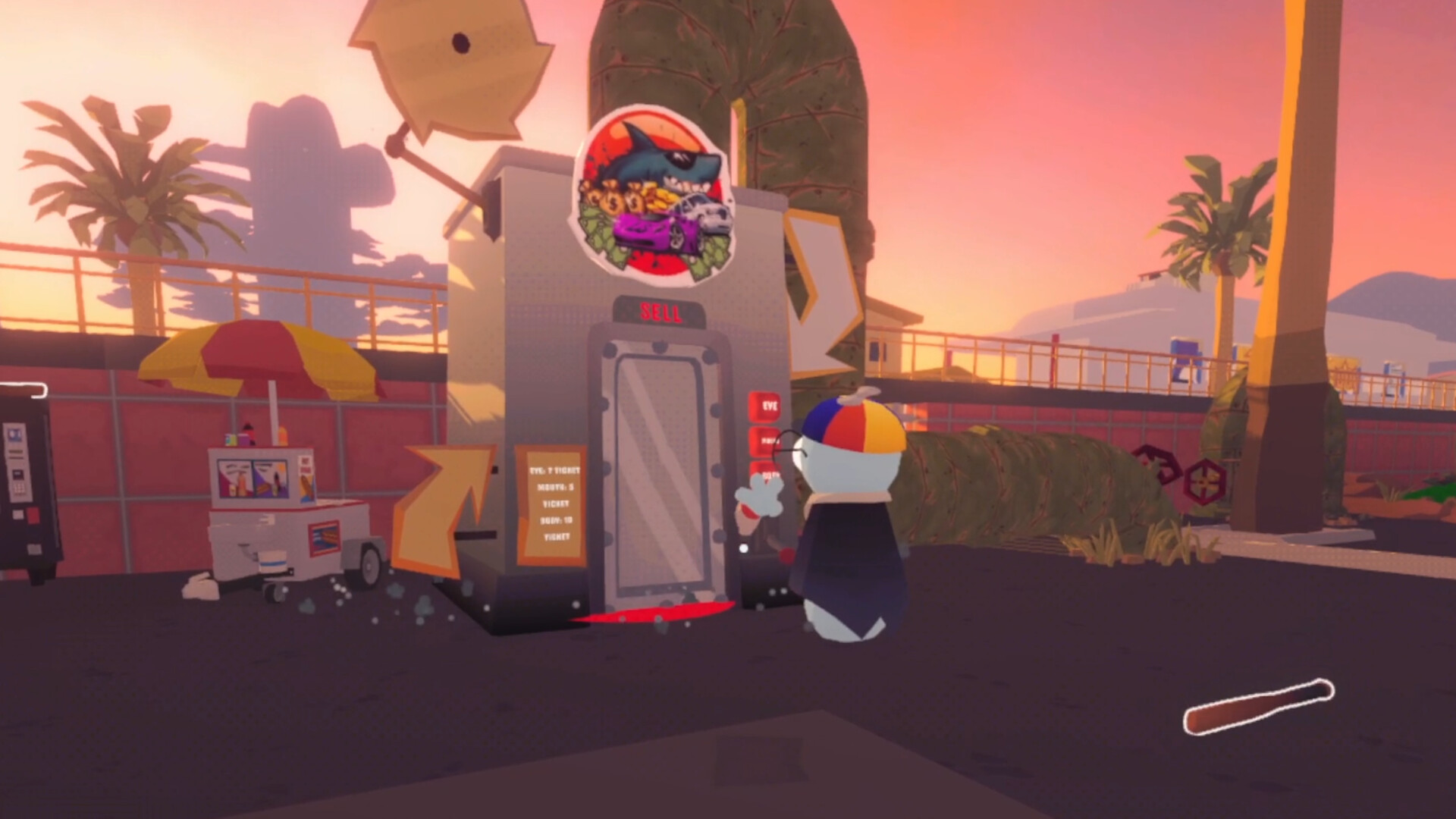
V1.0.30 turned every empty save into a custom campaign dial. This tools page is the practical checklist for per-save rules and Endless Mode in Gamble With Your Friends: where to click, what each toggle changes, what you lose by enabling Endless, and how to keep a normal ending save beside a sandbox slot.
Patch background lives on the updates hub. Party planning after you lock rules lives on co-op roles and the solo guide.
Before you click New Game
- Open the save-select screen.
- Find an Empty Slot.
- Press the cogwheel icon next to the Empty Slot label—not after the file already exists.
- Review every toggle with the whole lobby (or your future self if solo).
- Enable Endless only if you accept the tradeoffs below.
- Confirm New Game. From this moment the rules are frozen for that slot.
Official notes: you cannot tweak these settings once you created the save file. Each of the three slots may use a different configuration.
What you can set
| Setting | Effect |
|---|---|
| Casino timer on / off | Whether the day clock pressures the floor |
| Timer length | How long a timed day lasts when the timer is on |
| Difficulty | Adjusts quota scaling across the run |
| Starting money | Opening shared bank balance |
| Starting tickets | Opening ticket count for trailer items |
| Endless Mode | Removes the normal ending route; run continues |
Default marketing still describes a short timed casino day; your save can soften or harden that loop. Tell the Clock Keeper on co-op roles what you actually locked—five-minute callouts are wrong if you doubled the timer.
Endless Mode: what changes
| Normal save | Endless save | |
|---|---|---|
| Rules after creation | Locked | Locked (cannot add Endless later) |
| After roughly the 12th quota | Ending choice opens (pay debt or coin flip) | No ending choice; gambling continues |
| Ending achievements | Available | Blocked for ending-related unlocks |
| Quotas after that point | Debt / ending day resolves the arc | Quotas keep rising |
| Casino timer | Its own setting | Its own setting—Endless does not auto-disable it |
Developers say: if it is your first time, beat the game first. Endless is a long-term score and economy challenge, not a shortcut to see the story beats. Rising quotas mean ticket planning and item discipline matter more the longer you stay, especially once the old 5Qi money cap is gone and banks can grow huge.
Recommended slot layout
Slot A —?Campaign. Timer on, standard-ish length, normal starting resources, Endless off. Use this for the three endings and related achievements.
Slot B —?Practice. Timer off or long, gentler difficulty, maybe extra starting tickets so you can test Holy Statue or Taser→Chip routes from the tier list. Endless off unless you are specifically stress-testing endless quotas.
Slot C —?Endless sandbox. Endless on, timer and difficulty agreed by the group, starting resources set for a marathon. Expect no ending screen and no ending achievements.
Solo players should follow the same split—see the solo guide for bank protocols once the slot exists.
Developer console (optional)
Settings also expose a developer console. Press the backtick key (under Esc) to spawn items, tweak values, enable floors, and teleport between scenes. Treat it as a deliberate alternate play mode. Keep console chaos on practice or Endless slots; leave the campaign slot clean if achievements matter.
Checklist before a friends night
- Host opened the cogwheel on the correct Empty Slot
- Everyone agreed timer on/off and length
- Difficulty matches the group’s patience
- Starting money / tickets match the plan (learning vs sweat)
- Endless is off if anyone wants endings tonight
- Lobby is Friends Only; invites sent from the main menu
- Item Handler knows the ticket budget for S-tier buys
- Clock Keeper knows the real day length you locked
Skip any of those and you will discover the mistake three hours later when the ending never appears or the timer feels “wrong.”
Related pages
Updates hub · Players hub · Solo guide · Co-op roles · Items tier list · Official links
Frequently Asked Questions
Quick answers to the most common questions.
Where is the save rules menu?
On the save screen, press the cogwheel beside Empty Slot before you create the file. After New Game, those options lock.
Can I enable Endless Mode on an existing campaign save?
No. Endless must be selected in the per-save rules menu before the save is created.
Should new players turn on Endless Mode?
Developers highly suggest beating the normal game first. Endless skips the ending choice and blocks ending-related achievements.
Do quotas stop in Endless Mode?
No. After the usual mid-run point where a normal save would move toward endings, Endless quotas continue to rise.
Does Endless Mode turn off the casino timer?
No. Timer on/off and length are separate settings. Endless only changes the ending / long-run structure.
How many differently configured saves can I keep?
Three slots, each with its own locked rule set—ideal for campaign, practice, and Endless side by side.