Gamble With Your Friends How to Invite Friends
Steam menu invites, Friends / Invite Only, Join Game, and getting everyone out of the cardboard box.
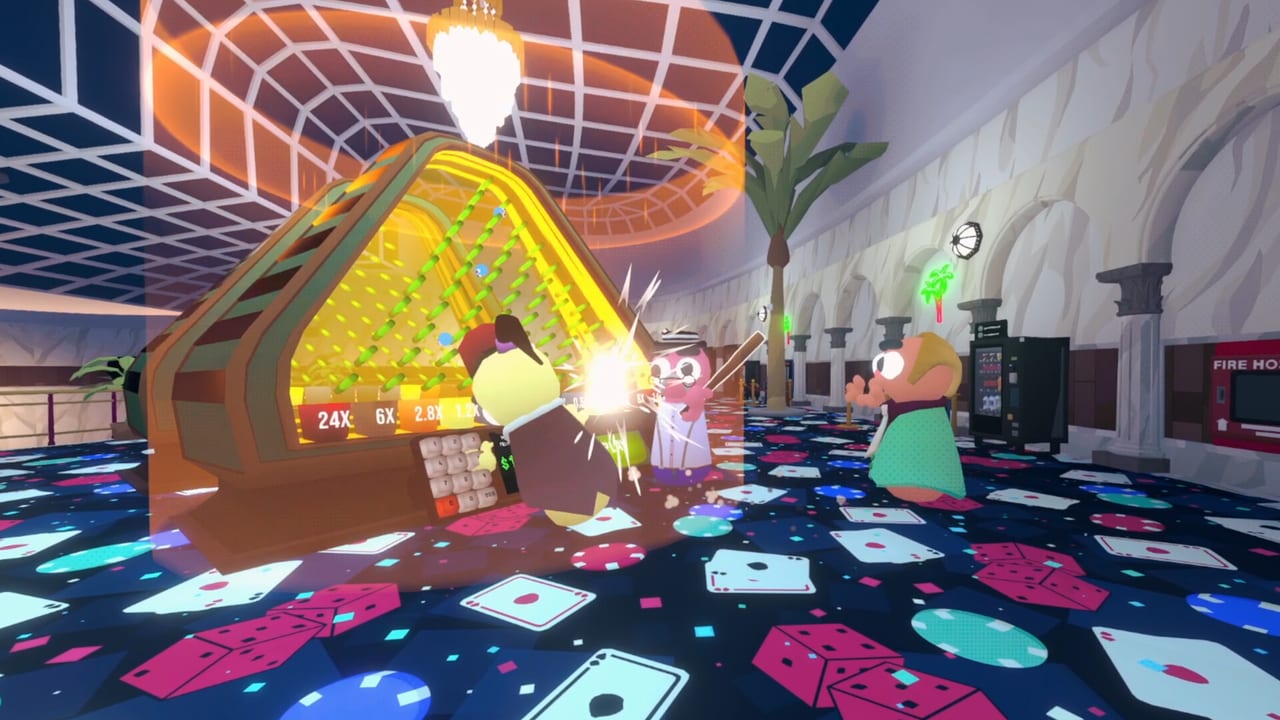
Gamble With Your Friends multiplayer is friends-only through Steam. You can bring up to five friends into a one-to-six player lobby, share one bank account, and climb the casino tower together with proximity voice chat. This guide covers the exact invite flow, privacy settings, host choice, Join Game from a Steam profile, and the cardboard-box spawn that confuses almost every new crew.
If the lobby already works and you need day-one rules, switch to Getting Started. If people join but the bank explodes, read Tips and Tricks.
Important limitation: invite before the neighborhood
You cannot reliably assemble a party by standing around in the loaded lobby and looking for a magic invite button. Invites and privacy are handled from the main menu (and through Steam’s own Join Game). Get the social setup right first, then load the save.
Step-by-step Steam invite flow
- Launch Gamble With Your Friends on Steam (app 3892270).
- On the main menu, look in the top right for the + control.
- Use + to open your Steam friends list and send invites.
- Check the privacy icon beneath that control and set the session to Friends or Invite Only as your group prefers.
- Have the player with the best, most stable connection create and host the game. Sessions are peer-to-peer, so the host’s network quality becomes everyone’s casino quality.
- Friends who did not get a pop-up can open the host’s Steam profile and click Join Game.
- After load-in, every player starts inside a cardboard box. Press E to escape, then customize and meet in the neighborhood before the limo.
That is the whole pipeline. Most “it won’t let us party” threads are one of those seven steps skipped.
Friends vs Invite Only
Friends makes it easy for people on your Steam friends list to get in. Invite Only is stricter and safer if you want named invites only. Because the bank is shared, a stranger in the lobby is not a cosmetic problem — it is a financial disaster waiting to happen. For public-looking Steam profiles with wide friend lists, Invite Only is often the calmer choice.
Confirm the icon state before anyone hits Join Game. Privacy mistakes are harder to unwind after six people are already arguing about Blackjack.
Host with the best connection
Pick the host on purpose. Criteria that matter more than “who owns the game”:
- Wired or strong Wi-Fi with low packet loss.
- A machine that will not sleep, update, or download a 60 GB unrelated title mid-run.
- Someone who can stay for the full two-to-three-hour standard playthrough if you are pushing endings.
- Someone calm enough to pause decision-making when voice chat desyncs.
If the host drops, the session pain is real. Swap hosts between runs if needed, but do not casually migrate mid-quota day unless you have no choice.
Join Game from a Steam profile
When the in-game + invite is flaky, the reliable backup is Steam itself:
- Friend the host on Steam if you have not already.
- Open the host’s profile while they are in-game.
- Use Join Game.
- Wait for the load into the neighborhood box, then press E.
If Join Game is missing, the host may be set too private, may not be in a joinable state yet, or Steam overlays/admin policies may be blocking rich presence joins. Have the host re-check Friends / Invite Only, confirm they are past the main menu in a joinable save, and retry.
After you spawn: box, customize, plan
Escaping the box is not optional flavor — it is the entry gate. Press E, move into open lobby space, and confirm proximity voice works. Then do the social setup that actually wins runs:
- Name a treasurer.
- Set a day spending cap.
- Agree which casino games are allowed on day one.
- Buy lobby items with Tickets only when you have a plan.
- Board the limo together so nobody starts the timer alone.
New players often customize for five minutes while the host already entered the casino. Do not do that. The timer does not care about your hat.
Voice chat and party size
Proximity voice rewards standing near decision-makers. A six-player lobby is maximum chaos and maximum fun; a three-to-four-player lobby is usually easier for learning quotas. Solo is allowed but not advised. Whatever the count, one shared bank means one bad actor — accidental or not — can end the day.
If someone is brand new, park them on a simple table with a tiny allowance while veterans handle quota-critical bets. The Players Hub is the right place for longer role talk; this page only needs you to get bodies into the same instance.
Troubleshooting checklist
- Friend is not on your Steam friends list.
- Main-menu + invite was never sent.
- Privacy still on a mode that blocks the joiner.
- Host connection is unstable or behind aggressive NAT/firewall rules.
- Joiner is trying to invite from inside the already-loaded neighborhood.
- Joiner loaded in but never pressed E to leave the cardboard box.
- Different people accidentally hosted parallel lobbies.
Work the list top to bottom before blaming the game. Most fixes are social or Steam-side.
Party etiquette that protects the bank
Inviting friends is the easy half. Keeping them from detonating the shared debt is the hard half. Before the first limo of a new guest’s first night:
- Explain that bets come from our money, not my money.
- Show them the stop rule from Getting Started.
- Link them Tips and Tricks if they want item theory.
- Decide whether tonight is a teaching run or an endings push. Those goals conflict.
A clean invite flow plus a thirty-second rules speech prevents more wipes than any lucky Roulette spin.
Quick recap
Use the main-menu +, set Friends or Invite Only, host on the best connection, fall back to Steam Join Game, press E to leave the box, then plan the bank before the limo. That is how Gamble With Your Friends multiplayer is supposed to start — noisy, friendly, and financially terrifying in the correct way.
Frequently Asked Questions
Quick answers to the most common questions.
Where is the invite button?
On the main menu, top right, use the + control to invite Steam friends. Also set Friends or Invite Only on the privacy icon beneath it.
Can I invite people from inside the lobby neighborhood?
Do not rely on that. Assemble the party from the main menu or via Steam Join Game before you expect everyone in the same box.
My friend is in the session but stuck. What now?
They probably spawned in the cardboard box. Tell them to press E to escape, then meet in the open lobby.
Who should host?
The player with the most stable connection and a machine that will stay online for the whole run. Host quality affects everyone.
How many friends can join?
The game supports one to six players total, so you can invite up to five friends into a host's session.